
OnlineCrossFit Timer
Every format a CrossFit WOD uses, on one page: For Time, EMOM, Tabata, AMRAP and a stopwatch. Pick the tab, set the numbers, press Start. Short beeps mark the last 3 seconds and each new round.
15:00
This timer, on your wrist
Here you have to keep the tab open and the phone in your hand. In Evox the WOD runs from your Apple Watch: the active block shows large and transitions buzz at the right moment.
Free, no account, nothing to install. Discover Vox
Timer free, in your browser, no account. The app is free to download.
One clock for the whole WOD
What the browser timer does, and what the app adds
Five formats, one tab each
For Time with a cap or no cap, EMOM with any interval in 15 second steps, Tabata with your own work and rest, AMRAP by the minute, and a plain stopwatch.
Whiteboard photo to timer, in the app
In the Evox app, Vox reads a photo or a pasted text of the WOD and builds the session. It needs an account and runs on credits.
Multi-part WODs, in the app
The app's builder chains parts in one session, for example an EMOM warm-up, then an AMRAP, then a For Time finisher, with no reset in between.
Film your set, in the app
Camera mode in the app records your set with the clock on screen. Handy for checking your form after the WOD.
Where it gets used
At the box, in a garage, or in a hotel gym with a phone propped on a bench
The daily WOD
Open the page, pick the format on the whiteboard and start. The beeps carry you through the round changes so you can keep your eyes off the screen.
Benchmarks and retests
Fran, Grace, Cindy: set the For Time or AMRAP tab to the benchmark's numbers and run it. The app keeps your result and spots a new PR.
Garage gym
No coach calling the time? The clock does it. Put the phone or laptop where you can see it and turn the sound on.
How the timer works
Three steps, right on this page
Pick the format
For Time, EMOM, Tabata, AMRAP or Stopwatch. Each tab opens with standard values you can change.
Set the numbers
Time cap, rounds, interval, work and rest, with the plus and minus buttons. On For Time, pick No cap and the clock counts up.
Press Start
Short beeps in the last 3 seconds, a higher beep at each new round. Pause and reset whenever you need.
CrossFit Timer FAQ
Formats, chaining, imports and cost
Still have questions?
Contact us →CrossFit timers: which format for which WOD
A CrossFit WOD almost always fits one of five clocks: For Time, AMRAP, EMOM, Tabata or a plain stopwatch. Knowing which one the whiteboard is asking for, and how to set it, takes ten seconds once you have seen it a few times. Here is how each one works and how to set it on this page.
For Time: finish the work, then read the clock
You do a fixed amount of work as fast as you can, and your score is the time. Most WODs add a time cap. On this page, set the cap with the plus and minus buttons, or pick No cap and the clock counts up from zero until you pause it.
AMRAP: as many rounds as possible
The time is fixed and your score is the rounds and reps you get done. Set the AMRAP tab to the length on the board, 12:00 or 20:00 for example, and count your rounds as you go. Cindy is the classic: 20 minutes of 5 pull-ups, 10 push-ups, 15 air squats.
EMOM and E2MOM: work on the minute
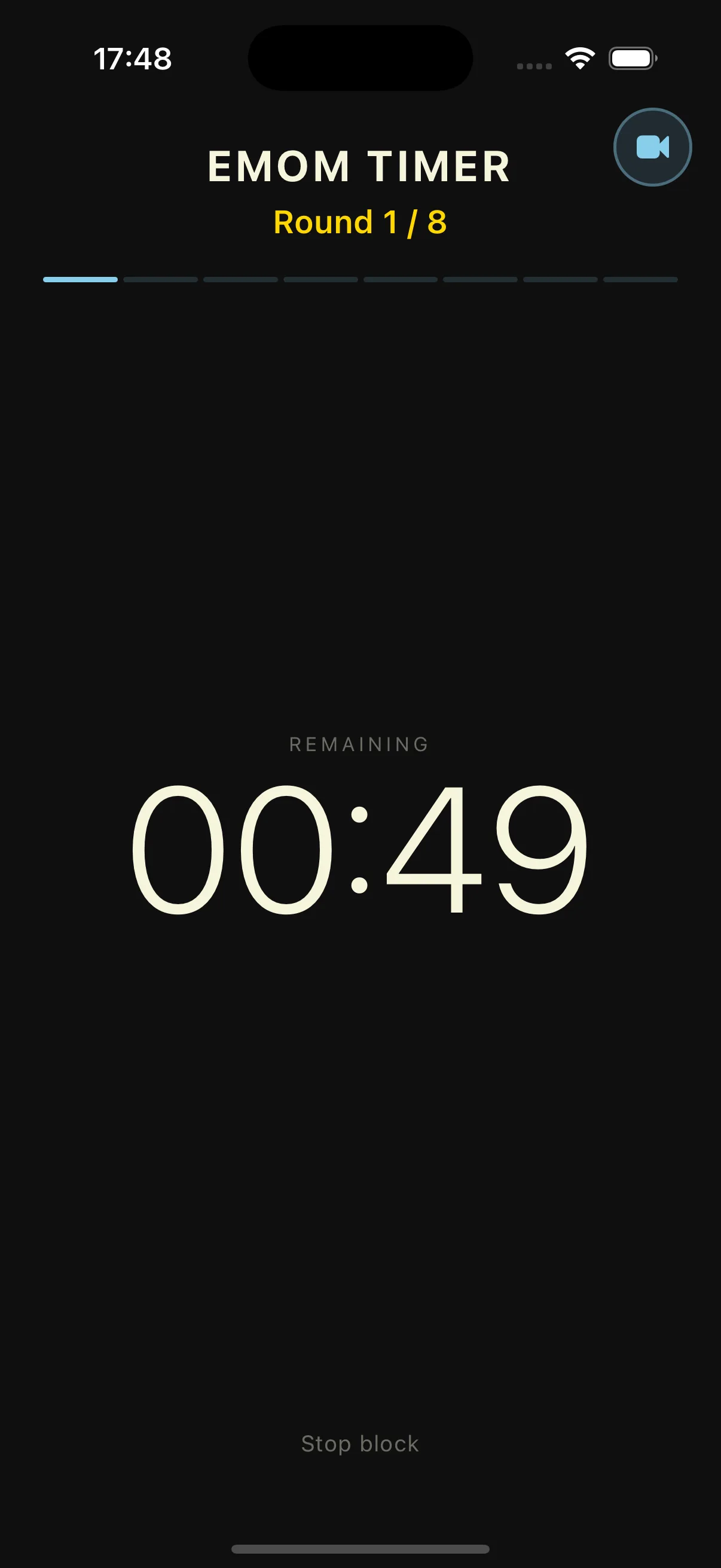
At the top of every interval you do the prescribed reps, and what is left of the interval is your rest. Set the rounds and the interval: 1:00 for an EMOM, 2:00 for an E2MOM, or anything in 15 second steps. The timer shows the round and beeps at each turnover.
Tabata and other intervals
The classic Tabata is 8 rounds of 20 seconds of work and 10 seconds of rest. The Tabata tab lets you change both, so 40/20 or 30/30 intervals work too. The digits switch colour between work and rest.
Multi-part WODs
A lot of box programming stacks parts: a strength EMOM, then a short AMRAP, then a For Time finisher. In the browser you run each part on its own tab. In the Evox app the builder puts them in one session and moves from one part to the next by itself.
What the app adds
The Evox app has the same five formats plus multi-part sessions, Apple Watch support, camera mode, your workout history and automatic PR detection. Importing a WOD from a photo or text goes through Vox, which needs an account and runs on credits.
Keep every WOD you finish
This page forgets your result when you close the tab. The Evox app keeps your history, chains multi-part WODs and detects your PRs.