
Free onlineEMOM Timer
An EMOM (every minute on the minute) means you start a set of reps at the top of each minute and rest for whatever time is left. This timer runs in your browser: pick the rounds and the interval (1:00, or 2:00 for an E2MOM), and it beeps in the last 3 seconds and at every new round.
1:00
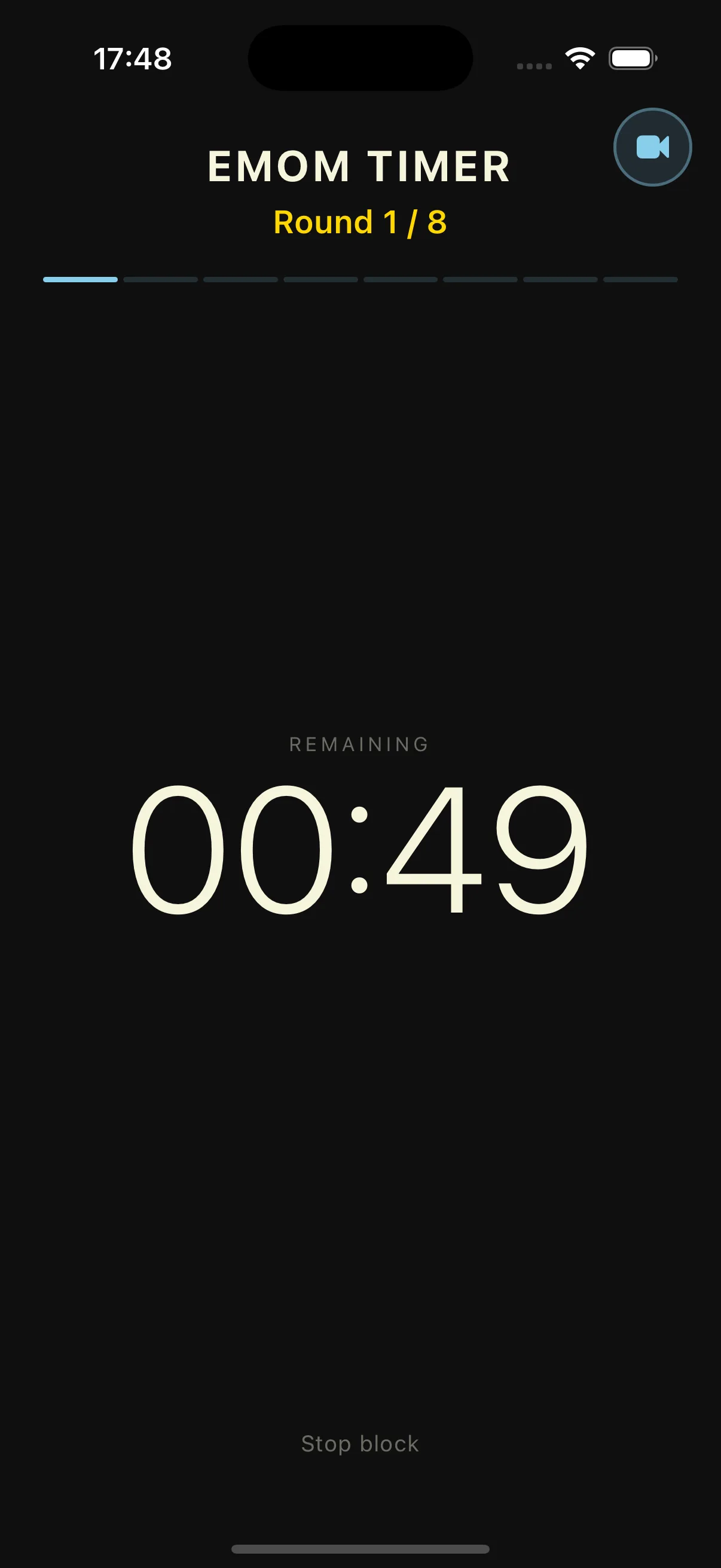
This timer, on your wrist
Here you have to keep the tab open and the phone in your hand. In Evox the WOD runs from your Apple Watch: the active block shows large and transitions buzz at the right moment.
Free, no account, nothing to install. Discover Vox
Timer free, in your browser, no account. The app is free to download.
Built for EMOM training
What the timer above does, and what the app adds
Round and minute on screen
A big countdown for the current minute and the round you're on (Round 4 / 10). Three short beeps in the last 3 seconds, a higher one when the next round starts.
Any round count, any interval
Rounds from 1 up, interval in 15-second steps: 45 s, 1:00, 1:30, 2:00 for an E2MOM, 3:00 for an E3MOM.
Your rest, visible
Finish your reps and look up: the seconds left in the minute are your rest. Faster reps, more rest.
Multi-movement EMOMs in the app
In the Evox app, the builder saves EMOMs with a different movement each minute and chains them with other blocks in one session.
Three ways to use an EMOM
The same clock works for skill, conditioning and strength.
Skill work
Double-unders, muscle-ups or a lift you're learning: a few clean reps each minute, with rest built in so the quality holds.
Conditioning
More reps, less rest. Finish fast, recover in what's left of the minute, go again.
Strength
Heavy singles or doubles on an E2MOM or E3MOM. The fixed start keeps your rest the same from set to set.
Start an EMOM in 3 steps
Everything happens in the timer above.
Pick EMOM
Tap the EMOM tab at the top of the timer.
Set rounds and interval
Use the plus and minus buttons: 1:00 for an EMOM, 2:00 for an E2MOM, 3:00 for an E3MOM.
Press Start
A beep marks each new round. Pause if you need to, Reset to start over.
EMOM Timer FAQ
EMOM training and this timer
Still have questions?
Contact us →EMOM timer: how every minute on the minute training works
EMOM (every minute on the minute) is one of the most used formats in CrossFit and functional fitness. It forces steady pacing and builds rest into the workout, and that rest shrinks as you tire. The timer above runs one in your browser; the Evox app keeps the history.
What is EMOM training?
EMOM stands for every minute on the minute. At the start of each minute you do a set number of reps, and whatever time is left in that minute is your rest. As you tire, the rest shrinks, so the workout gets harder without changing the plan. EMOMs are used for skill work, strength, conditioning and easy aerobic days, because they fit a lot of work into a short, controlled block.
EMOM, E2MOM, E3MOM: picking the interval
The classic EMOM uses 1-minute intervals. An E2MOM (every 2 minutes) or E3MOM (every 3 minutes) gives you time for heavier loads or longer combinations, like heavy cleans or a squat set plus a carry. On this timer you only change the interval, to 2:00 or 3:00, and the beep still marks each new round.
How to build a good EMOM
Start from the rest you want. For strength, 2 or 3 heavy reps on an E2MOM. For conditioning, a rep count you finish in about 35 to 45 seconds. For skill, 3 to 5 clean reps of the movement you're working on. Keep some rest every minute and the pace holds to the last round. The round counter tells you where you are without counting in your head.
Browser timer or Evox app
The timer on this page covers one EMOM: rounds, interval, beeps, no install and no account. The Evox app is free to download and goes further: multi-movement EMOMs saved in the builder, an EMOM warm-up chained with an AMRAP in one session, the timer on your Apple Watch, and every finished workout in your history with PRs detected automatically.
EMOM workouts to try
Three classics to start with. EMOM 10: 5 power cleans (135/95 lb). EMOM 12 alternating: odd minutes 12 kettlebell swings, even minutes 8 burpees. E2MOM 16 (8 rounds of 2:00): 3 squat snatches and 6 box jumps. Set the rounds and the interval above and go; for the alternating one, follow the round counter.
Own every minute
The timer above is ready. In the Evox app, the same EMOM runs on your Apple Watch and lands in your history when you finish.