
An onlineHYROX Timer
A HYROX race is 8 runs of 1 km, each followed by a station, and it ends on the wall balls. This timer runs in your browser: For Time with no cap to time a full simulation, EMOM or intervals for station work.
0:00
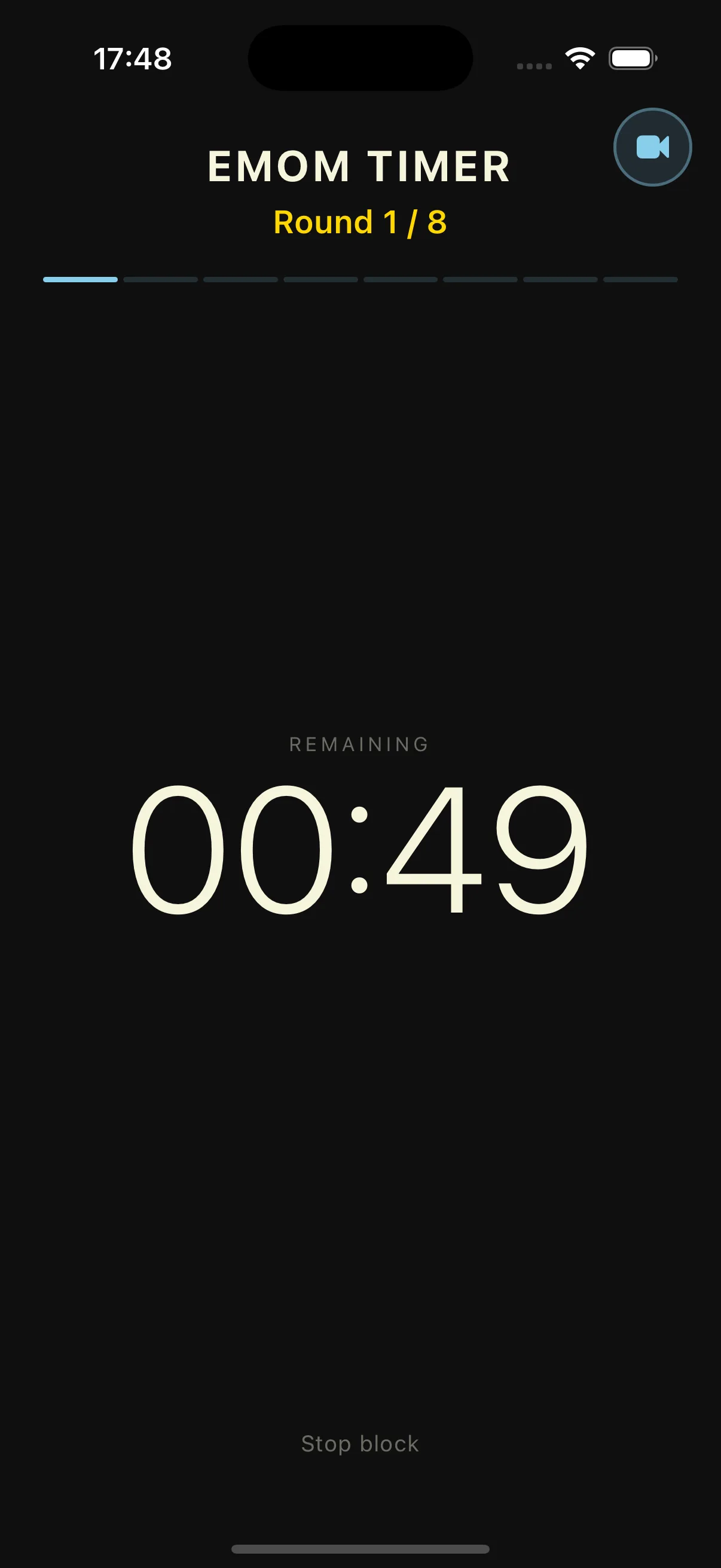
This timer, on your wrist
Here you have to keep the tab open and the phone in your hand. In Evox the WOD runs from your Apple Watch: the active block shows large and transitions buzz at the right moment.
Free, no account, nothing to install. Discover Vox
Timer free, in your browser, no account. The app is free to download.
What the Evox app adds for HYROX
The web timer gives you the clock. The app keeps the race.
HYROX mode
Turn on HYROX mode in the app to follow your PFTs and a countdown to your next race.
Splits by station
Log your race results station by station in the app, so you see where the minutes went.
Full SIM in one tap
Launch a full race simulation from the app instead of building it block by block.
Multi-block builder
Chain runs and stations in one session with the builder, then find it in your history.
Three ways to use it before race day
Pick the mode that matches the session.
Full simulation
For Time with No cap: the clock counts up from your first run to your last wall ball.
Station work
EMOM with a 1 or 2 minute interval: a set of wall balls or lunges at the top of each round, the rest is recovery.
Run intervals
Interval mode with your own work and rest, in 5 second steps, for repeat runs at race pace.
How to time a HYROX sim here
Three settings, then the clock.
Pick For Time
The page opens on For Time. Lower the time cap to No cap so the clock counts up for the whole sim.
Press Start
A short beep marks the end of each segment when a cap or interval is set. Mute it with the speaker button.
Pause or reset
Pause if you need to set up a station, resume, and note your final time before you reset.
HYROX Timer FAQ
Timing, format and what to expect
Still have questions?
Contact us →HYROX timer: how to time your race prep
HYROX alternates 8 runs of 1 km with 8 stations, and the race ends on the wall balls. To prepare, you need two kinds of clock: one that counts up for a full simulation, and one that cuts work into rounds for station work. Both run on this page.
The HYROX race format
The order is fixed: SkiErg, sled push, sled pull, burpee broad jumps, rowing, farmers carry, sandbag lunges, wall balls, with 1 km of running before each one. For 2026/27 the sandbag weighs 10 kg for Women Open, 20 kg for Men Open and Women Pro, 30 kg for Men Pro. The time between the run and the station, the Roxzone, counts in your total.
Timing a full simulation
Use For Time with No cap, or the Stopwatch: the clock counts up from the first meter to the last wall ball. You can pause to set up a station and resume. The web timer does not record splits, so note your time per segment, or log the session in the Evox app to keep splits by station.
Station work with EMOM and intervals
An EMOM is a good fit for stations: for example 15 wall balls at the top of each minute, and the time left is your rest. For runs, Interval mode lets you set work and rest in 5 second steps, so you can repeat efforts at race pace with a fixed recovery.
My race: HYROX Toulouse, 1h18
I raced HYROX Toulouse in Solo Open and finished in 1h18. My first km took 3:39, the next ones between 4:48 and 5:24. My best stations were the rower (437th), the wall balls (485th) and the sled pull (551st). My worst were the farmers carry (1,570th), the sled push (1,431st) and the lunges (1,327th). On your own race, watch two things: the gap between your first km and the others, and the stations where your rank drops.
What the app keeps after the sim
In the browser, the result goes when you close the tab. In the Evox app, HYROX mode follows your PFTs and the countdown to your next race, you log your race results with splits by station, and you launch a full SIM in one tap.
You might also like
Hyrox workout generator
Get a race-specific session built around the stations you want to work on.
Learn moreHyrox training guide
How to train for Hyrox: the eight stations, running under fatigue and a phase-by-phase plan.
Learn moreHyrox race guide
Race format, official rules, divisions and race-day logistics.
Learn moreInterval & HIIT Timer
Work/rest interval timer for HIIT, circuits and running
Learn moreCrossFit Timer
Online WOD clock with every CrossFit format
Learn moreFor Time Timer
Time cap clock for CrossFit For Time workouts
Learn moreRace day starts in training
Time your next simulation here. Keep your results, splits and PRs in the Evox app.